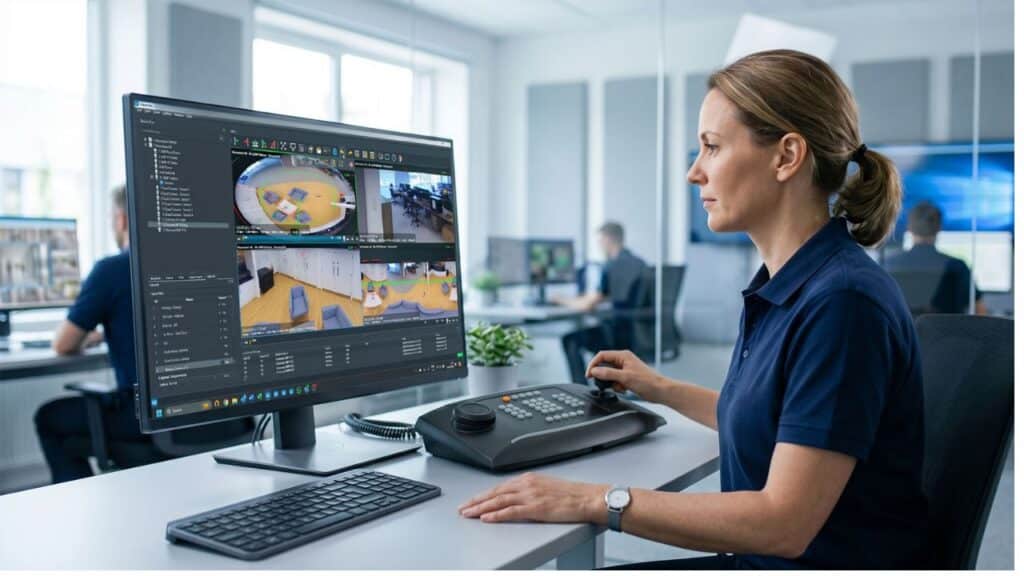
Wavestore have unveiled WaveView v6.50, which they state that it gives operators more precise camera control and improves performance across demanding multi-display environments.
In addition, Wavestore claims that it strengthens the systems behind everyday security operations.
A video management system earns trust through the small interactions that happen hundreds of times each day. A large layout needs to open without delay. Cameras across several displays need to remain synchronised. PTZ controls need to match the environment, and routine maintenance should not create avoidable disruption.
WaveView v6.50 focuses on these operational details. It introduces variable PTZ speed settings by Camera Group, speeds up large auto-loaded layouts and addresses performance issues affecting multiple Video Display Agents (VDAs), subtitles and interface controls.
The release also includes server, upgrade and hardware improvements, alongside further development of the separate WaveFusion interface.
WaveView v6.50 is designed to reduce everyday operator friction while giving integrators and administrators greater control over how systems are deployed and maintained.
Quick benefits summary
WaveView v6.50 by Wavestore introduces:
- Variable PTZ speeds by Camera Group, giving administrators more control over camera movement across different operational areas
- Faster loading of large auto-loaded layouts, helping operators reach their working view more quickly
- Improved multi-display performance, with latency, synchronisation and VDA refresh issues addressed
- Better snapshot handling, including a higher-quality default and remembered settings
- Stronger video performance with subtitles enabled
- Broader hardware support, including new Wavestore server and motherboard options
- More reliable upgrades and maintenance, particularly for older systems and challenging network conditions
- Further WaveFusion interface development, including Export, camera and system monitoring, and H.265 streaming
Camera control that reflects the real environment
PTZ requirements can vary significantly across a security estate. A perimeter camera covering a wide external area may need a different movement speed from a camera monitoring an entrance, corridor or tightly defined internal space.
Version 6.50 introduces variable pan, tilt and zoom speed settings for individual Camera Groups. This gives administrators a practical way to configure PTZ behaviour around the cameras’ location and operational purpose.
Instead of applying the same control characteristics across every PTZ camera, teams can organise cameras into groups and set suitable movement speeds for each one. This can make camera control feel more predictable for operators moving between different areas of a site.
For system integrators, group-level configuration also provides a clearer way to standardise PTZ behaviour during commissioning and tailor the system to the customer’s operating procedures.
To read more Wavestore news, click here.